
8 Unique Ways to Use QR Codes and Land More Bookings for Car Detailing
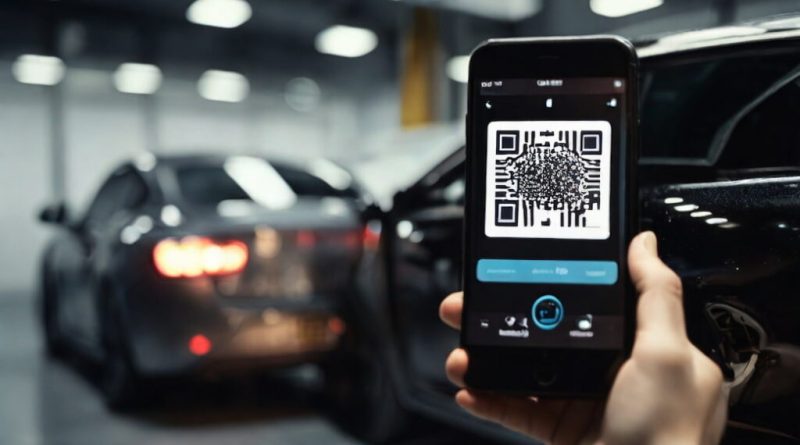
It’s tedious for an interested customer to type your website’s URL in order to book a car detailing appointment. To make this process smoother, QR codes are the perfect way to remove friction and allow quick on-the-go scans off of flyers and other promotional materials. Turn offline marketing into online action with just one patterned square.
In this guide, we’ll go over 8 ways you can smartly insert QR codes in flyers, door hangers, business cards, decals, and receipts.
How to Use QR Codes in Marketing Materials?
Here are 8 ways you can engage customers, make bookings easier, and track your QR codes.
1. Door Hangers and Flyers
Flyers are one of the best ways to get your business noticed locally. To make these posters more interactive, include a scannable QR which directly leads to your website or booking page. You can also pair this code with instructions on how to scan.
Make sure the QR code and the flyer’s main offer are placed closely together. If you’re trying to create flyers quickly, you can browse editable and adaptable car detailing templates, add relevant details, and have a ready-to-print layout in no time.
2. Add to Vehicle Post-Full-Detail
A small decal can act as a moving advertisement for your detailing services. You can add a tiny QR code to a car window decal, magnetic sign, or other car signages.
Pair it with a compelling message such as: “Want your car to look this clean? Scan to book your appointment.”
3. Business Cards and Receipts
People often underestimate the power of a well-designed business card. QR codes aren’t limited to just advertisements. Instead, add a code to your business card so customers can conveniently reach out to you for bookings, quotes, service inquiries, and to follow your social media.
Another important touchpoint to keep in mind are receipts. Adding QR codes can encourage repeat bookings and aid in creating a long-lasting relationship with your customers.
4. Place in Service Areas
If you have a physical detailing location, use your waiting or service area to display QR codes. You can place these near the reception desk, waiting area, payment counter, customer pick-up area, and physical service menus.
Don’t just generically write “Follow us.” Instead, make it action-specific and use phrases like: “Scan to book your next detail with us.”
5. Create a Landing Page
A booking page is not a one-size-fits-all destination. To centralize all important details regarding car detailing services, create a dedicated landing page instead. This page should contain:
- The advertised offer
- Before-and-after transformation pictures
- Services included and short descriptions of each service
- Starting price and package prices
- Service area
- Customer reviews
- Booking button
To make the offer sweeter, offer a first-time customer discount to people who scan your QR to sign up for a booking.
6. Maintain Adequate Space Around the Code
Adding the QR code into a tiny corner is a mistake that even the most experienced of marketers can make. Don’t clutter your promotional materials with text. Instead, maintain white space around the QR code and make sure it’s prominent.
Phone cameras should be able to recognize the pattern from afar. It’s best to keep it positioned away from images, decorative elements, or text copies.
Pro tip: Print a sample flyer at its actual size. Then, scan from a distance where a customer would typically hold their phone from. If you have to move around your phone camera to get it to scan, you should give your QR code some more breathing room or make it larger in size.
7. Test Every QR Code Before Printing
Most people overlook the practical implementation of their QR codes. To prevent any mishaps, test each code out to ensure it’s functioning normally and takes the user where you’d like them to go next. Here is a list of things to double-check:
- Should scan quickly
- The link should open correctly
- Page should work for mobile users
- Booking form loads properly
- Offer is still valid
- The CTA matches the destination
You can easily create a QR code using an online code generator to create a custom pattern for your booking page or other destinations.
8. Give Each Promotional Material Its Own Destination
It’s important to know which campaign is amounting for the highest number in website traffic. To simplify tracking, create unique trackable links for each QR code. For example:
- Flyer = QR 1
- Business card = QR 2
- Vehicle decal = QR 3
- Door hanger = QR 4
Google uses UTM parameters to identify where website traffic is coming from. By using Google Analytics, you can use these numbers to plan future marketing campaigns.